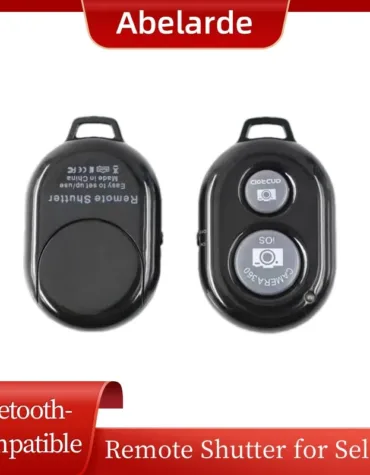
10m Camera Shutter Release Selfie Stick Phone Page Turning Controller Video E-books Bluetooth-compatible 5.0 for for for for for iPhone for Xiaomi for Samsung for Huawei
Feature:
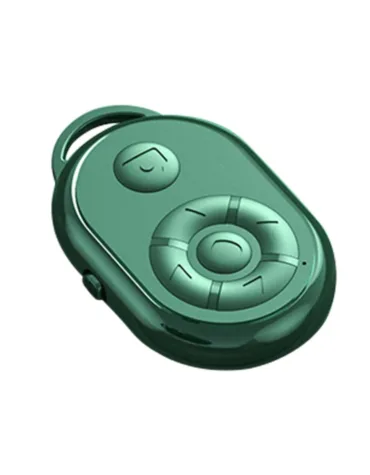
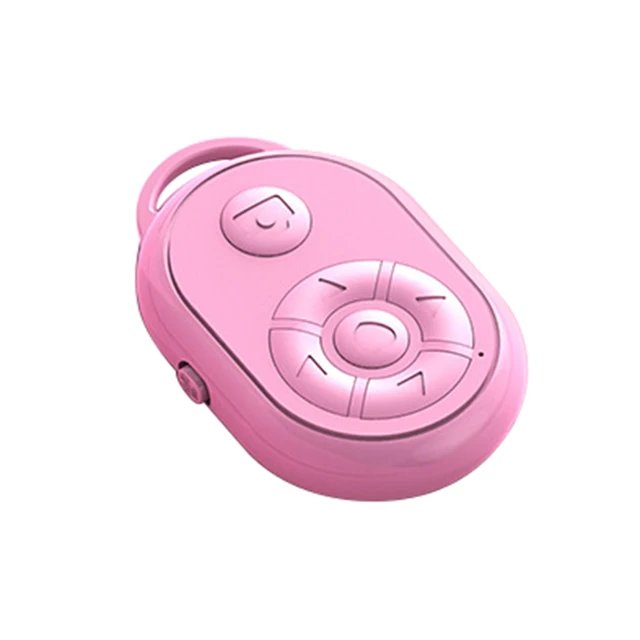
1. Compact and portable: Our camera remote control is small enough to fit in your pocket. This means you can easily carry and use it even when you are away.
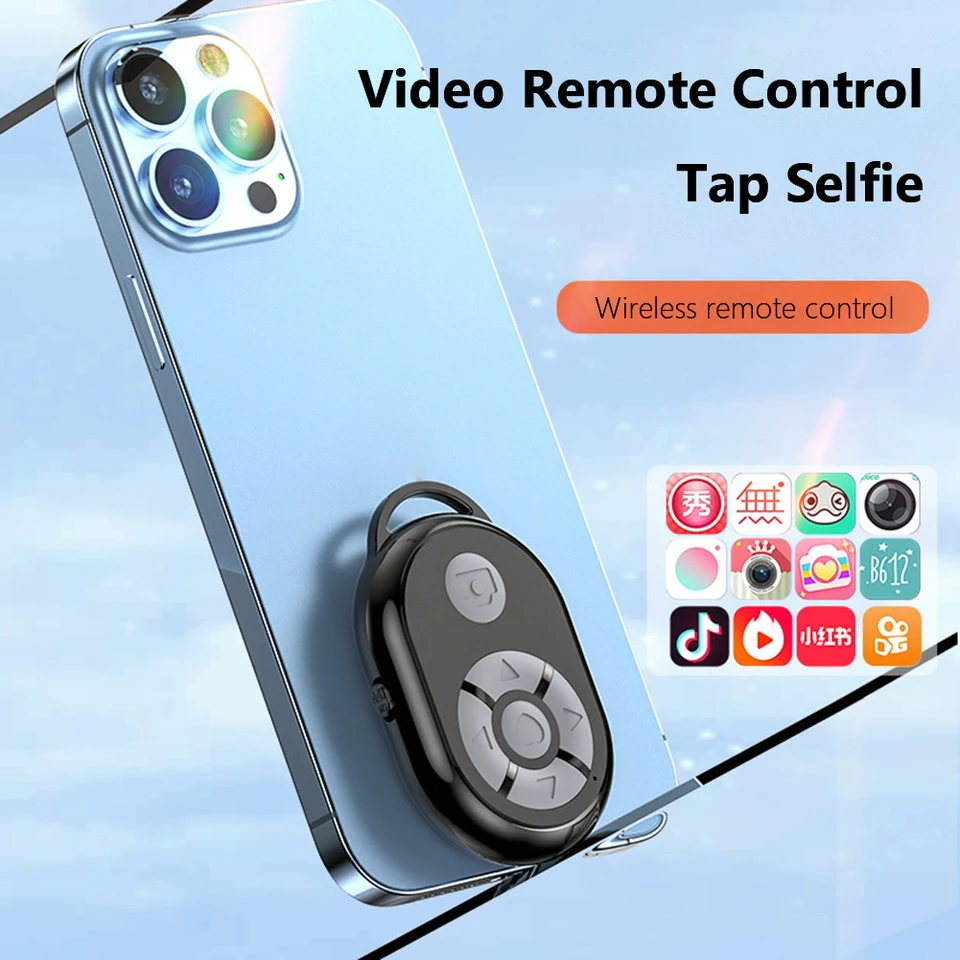
2. 10m remote control photographing: Tthe camera remote control has the function of about 10m/32.8ft remote control photographing. You can use it to control the camera application to take pictures and video. It can provide you with a rich self-camera experience.
3. ABS material: Our camera remote control is made of ABS material, which is environmentally friendly, sturdy, and not easy to break.
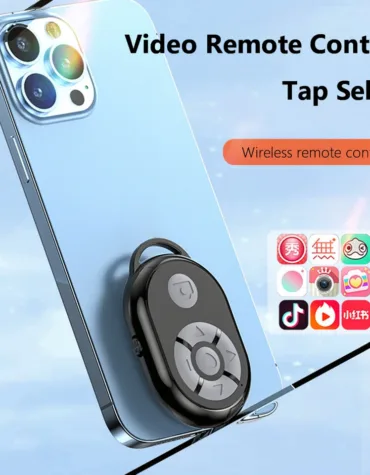
4. Wide compatibility: Our camera remote control has wider compatibility. You can use it on your phone and tablet, for Android and for Google Pixel phones.
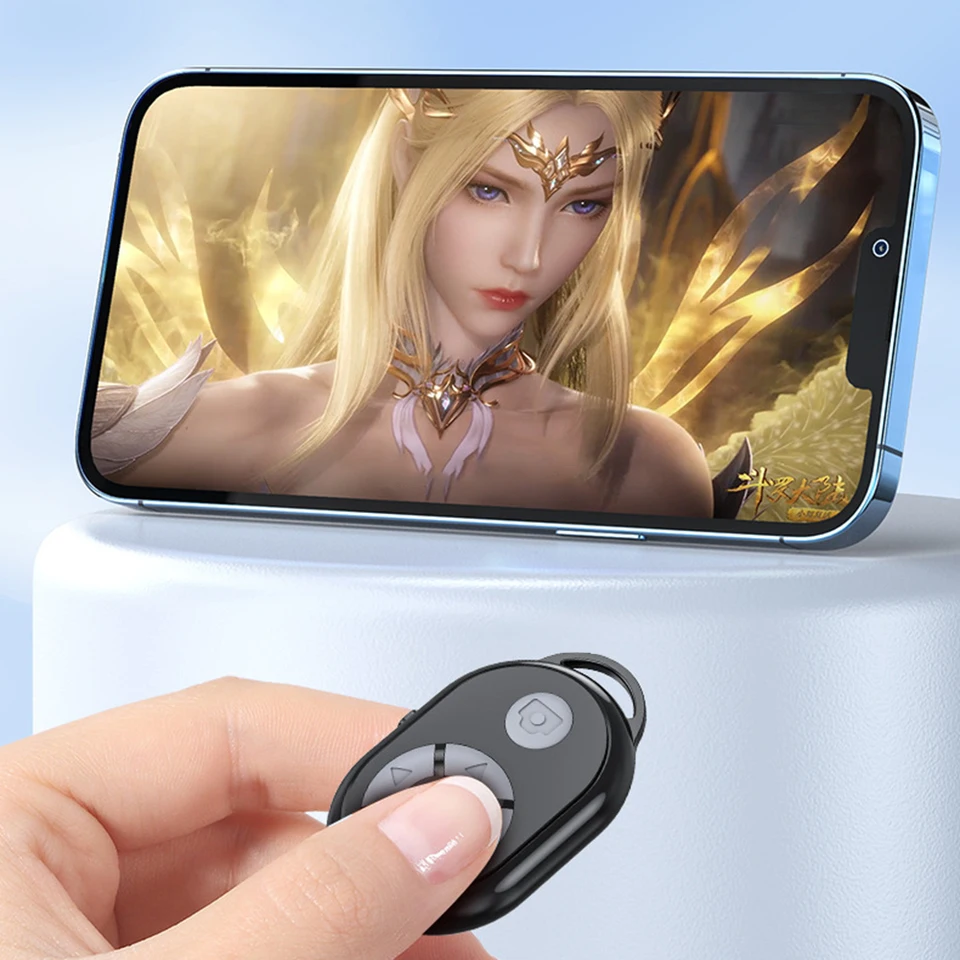
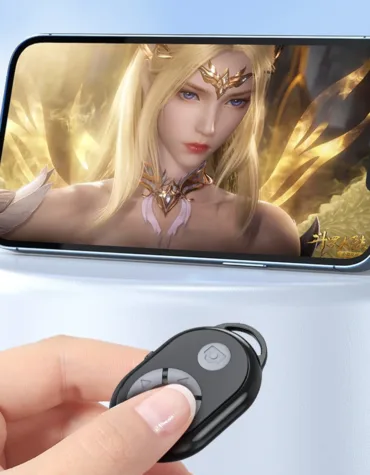
5. Easy to operate: When watching videos, e-books and movies on your mobile phone, you don’t need to scroll with your fingers. The camera remote control can play, pause, fast forward, rewind, and flip pages.
Specification:
Origin: Mainland China
Model Number: Remote Shutter Controller
Type: Wireless
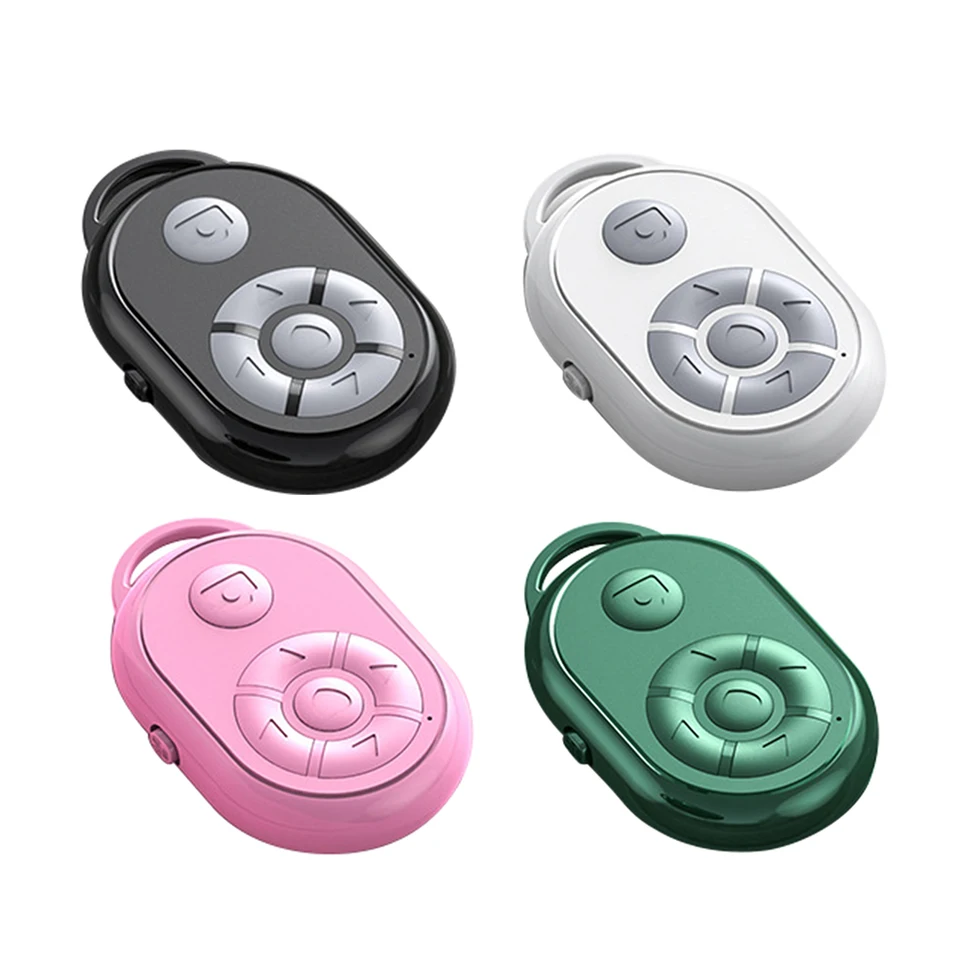
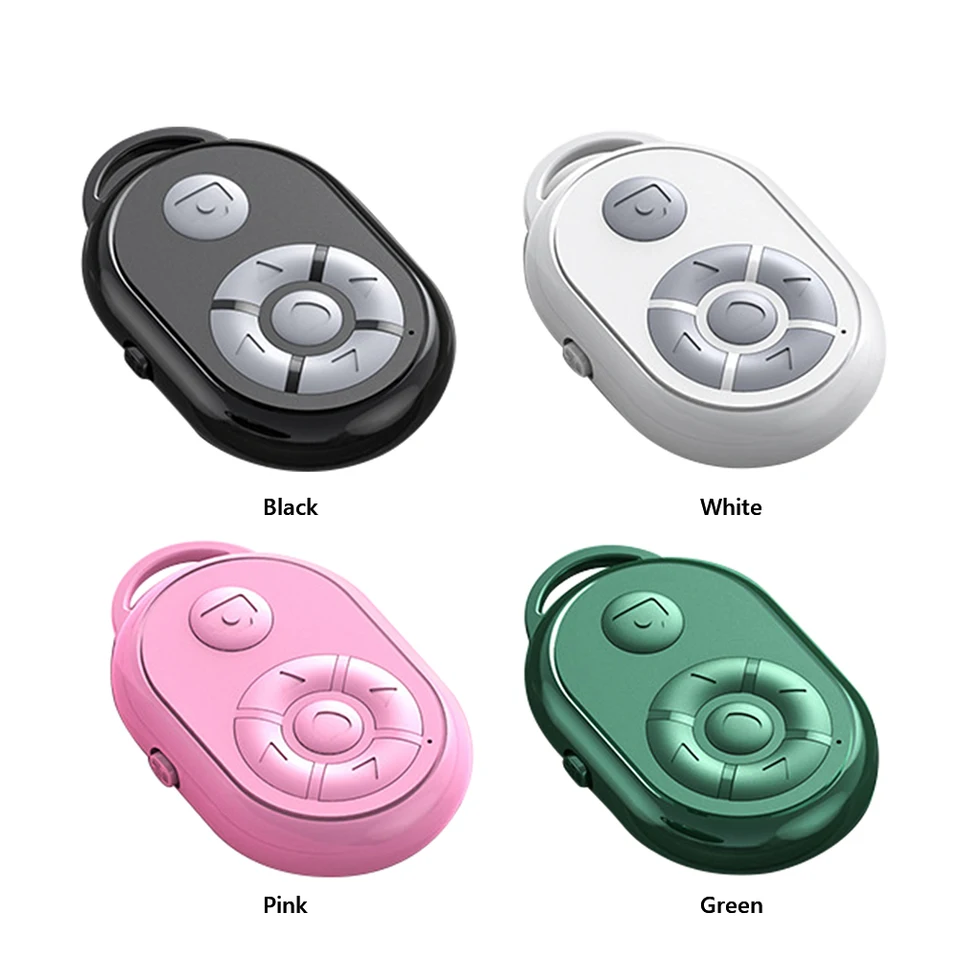
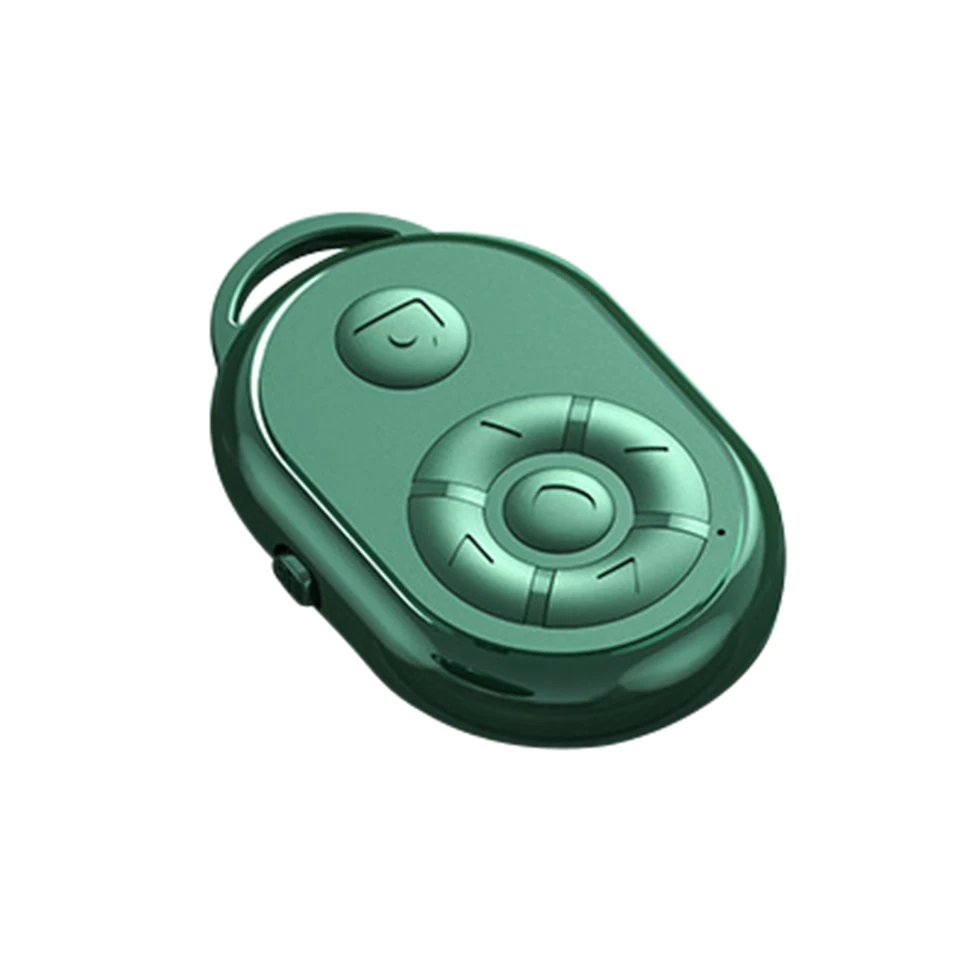
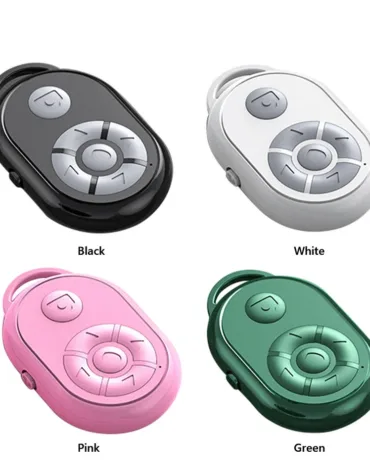
Color: Black, white, pink, green (optional)
Material: ABS
Bluetooth-compatible version: 5.0
Effective distance: 10-15m
Battery: Built-in button battery
Scope of application: Support most popular for and for Android software
Function introduction: Short video /page turning, novel page turning, beauty selfie /fast forward about dramma
function: Wireless Bluetooth-compatible/power on/power off
Size: 46x33x10mm/1.81×1.3×0.39in
Weight: 11g
Instructions:
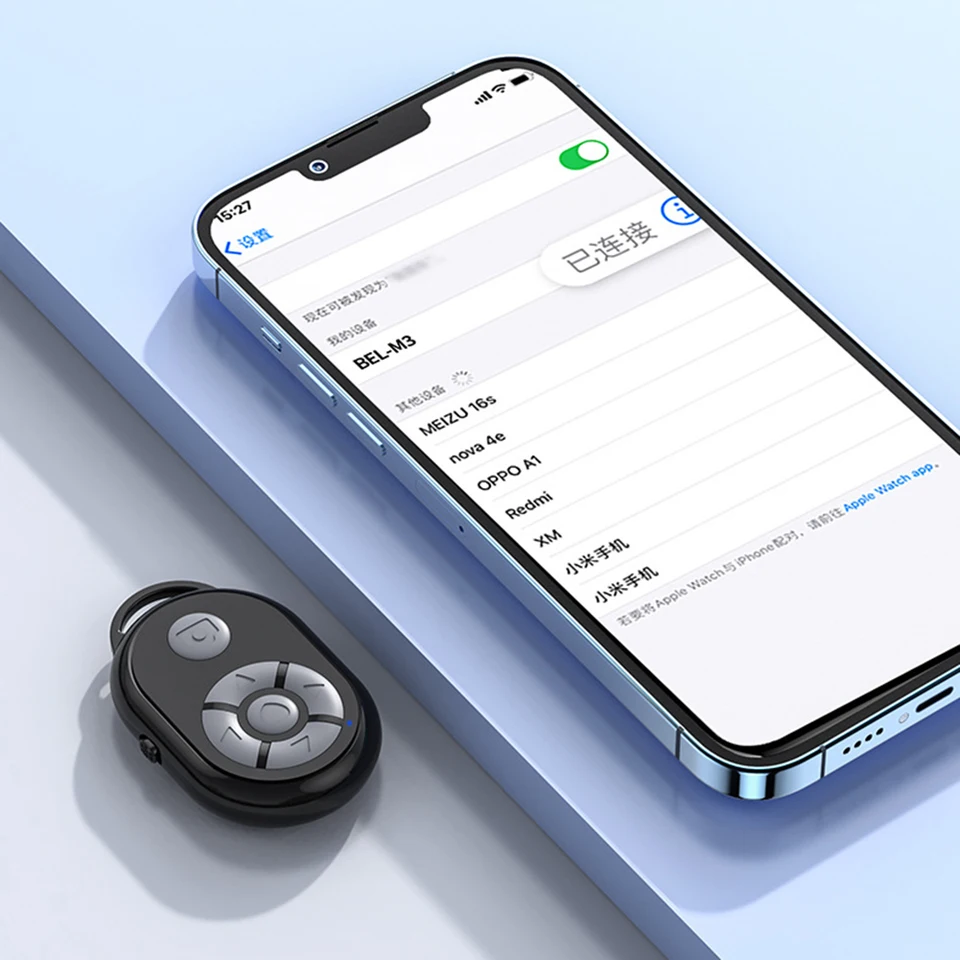
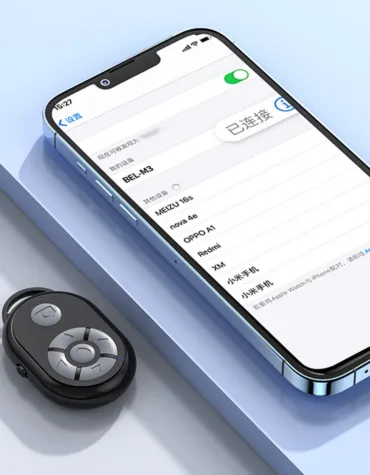
1. Turn on the side button of the remote control, and the indicator light of the remote control starts to flash
2. Enable the mobile phone Bluetooth-compatible function
3. Search for matching remote controller name
4. The indicator light stops flashing when the connection is successful
Be careful:
1. Some for for iPhone cannot be controlled, so you need to turn on the auxiliary functions (Settings – Auxiliary Functions – Touch – Auxiliary Touch – On). The for iOS 15 system needs to turn on (Execute Touch Gestures) in (Auxiliary Control) to set (tracking sensitivity) to more than half the position.
2. Due to the different screen sizes of mobile phones, the focusing contact needs to be set for individual mobile phones when taking photos (hold the photo key for a long time, and adjust the contact up, down, left, right) Right button).
3. If the connection cannot be made or the connection cannot be used normally, first delete the connection, power off, restart the remote control, and then match again.
Note:
Due to the different monitor and light effect, the actual color of the item might be slightly different from the color showed on the pictures. Thank you!
Please allow 1-2cm measuring deviation due to manual measurement.








What others are saying
There are no contributions yet.